Dezine DZ-GR100-WHT-BRW Men's Watch

Showing posts with label network. Show all posts

Wednesday, 2 April 2014

How to view my wifi password

Posted on 02:56 by Unknown
How to view my WiFi password:

here the simple trick to view your forge-ted WiFi password (or) WiFi password of your router
view-wifi-password


STEP 1:
         Go to start menu and type cmd on search box (Go-->Start-->cmd)

STEP 2:
           now your cmd prompt window will open under that enter following cmd

STEP 3:
            type "ipconfig" in cmd then hit enter
how-to-view-wifi-password


STEP 4:
           now copy Default gateway id from cmd prompt window (e.g:192.168.1.1)

STEP 5:
           GO to browser enter the default gateway id in to browser address bar then hit enter

STEP 6:
            here you are requested to enter user name and password
            enter user name:admin
            enter password :admin (or)1234
STEP 7:
          now you are entering into router admin panel under that
          select wireless network-->security here you can view your wi-fi password 

Saturday, 1 March 2014

if you are thinking Some one is stealing your WiFi?WiFi is one of the best technology to sharing internet i and around particular area.
If you are using WiFi in your house/office/ or college it may be used by your neighbors.In this article helps you to find who is using your WiFi or stealing your WiFi and how to block it. Finding who is using your WiFi is very easy and doesn't require any skills. But to block them your will need software.
I have explained below. Read on...

step's to find Who is Connected to your WiFi network
STEP 1:
            Go to Start -> Type "cmd" and press Enter.
STEP 2:
            In the window appears type "NET VIEW" and press Enter
STEP 3:
           Press Enter A list containing names of devices which of connected to your WiFi will be displayed

Find and Block Who are Using Your WiFi network in order to block/prevent other devices using your WiFi network here you are requested to install a software called "Who's On My WiFi".
This software will display the names of devices connected to your WiFi and can be blocked and also have many other options to secure your network.It's not a free software.

click here to download Who's On My WiFi.

Monday, 27 January 2014

how Trace Owner name of Any Mobile Number

Posted on 22:26 by Unknown
Trace Owner Info of Any Mobile Number in India
some times you may get call's from unknown mobile number here the website to trace owner name of any mobile number
trace-mobile-number-owner-in-india

STEP 1:
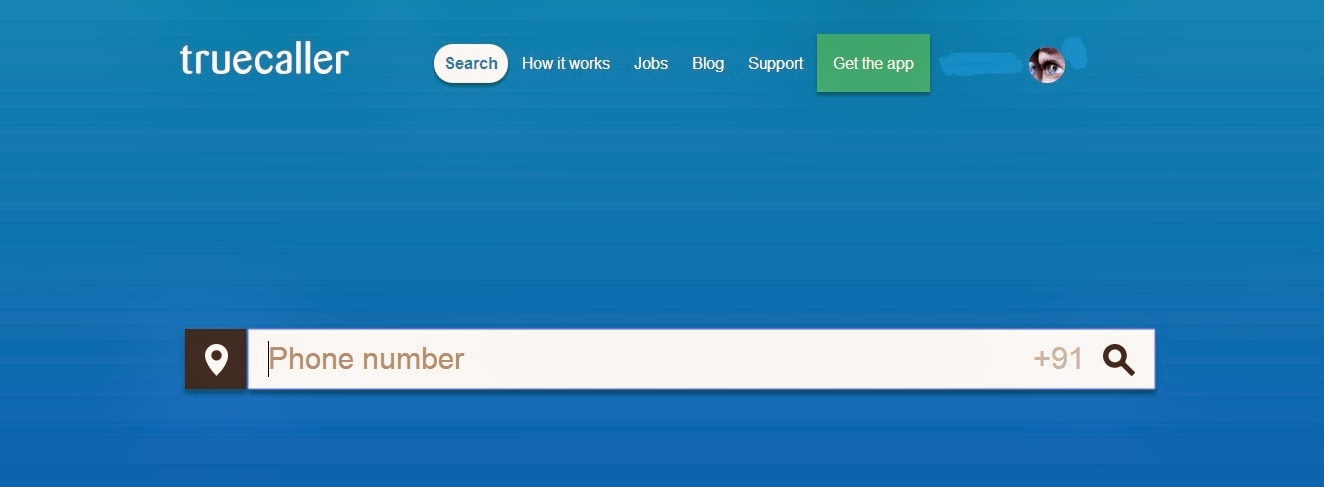
          click here open trucaller website.
how-to-track-mobile-number-owner-info
           Trucaller is webpage/android application it provides all the details about mobile
           numbers including owner name /location etc...it is the free service it allows
           you to trace owner name of any mobile number
       
STEP 2:
           Enter the mobile number you want to search in search bar...

STEP 3:
           then proceed login steps with your social network accounts

STEP 4:
           after completion of login it shows the owner information about provided
           mobile number
how-to-track-mobile-number-location

                                             would you like this please leave a comment...

Thursday, 16 January 2014

how to shot down/restart other computers on your college/office throw your network or wi-fi


STEP 1:
            Go to start menu open your cmd by typing cmd in start menu search

STEP 2:
             make sure  your system is connected in network
STEP 3:
            In cmd panel type  net view and then press Enter
            it shows your network connection list
STEP 4:
           type ping (space)and computer name that you wish to target.select computer name
           from connections list(step 4).
           it shows ip address of your targeted system.

STEP 5:
      now type shutdown -i then hit enter
      now remote shutdown window dialog box will appear,under that click add computer name
      and type ip address(copy ip address from step 4)
STEP 6:
      then select what you want to do that shutdown/restart then hit OK.


                                               would you like this please leave a comment...

Saturday, 30 November 2013

Deactivate all value added services in Aircel,Airtel,Bsnl,Docomo,Vodafone  is simplified.
All networks provides following value added services like caller tunes,music on call,news,Blyk etc...
Way  to Deactivate Value added services(VAS) in simple way
Deactivate value added services in Aircel,Airtel,Bsnl,Docomo,vodafone...
STEP 1:
send SMS "STOP" to 155223
(or)
STEP 2:
make a call to 155223 this call take you to deactivate all value added services.

This is common process in all networks...
09 10 /